Unlock higher productivity and seamless client communication by automating your Outlook emails for your consulting or service-based business.
Why Automated Outlook Emails Are Essential for Service Providers
For consultants, coaches, and service providers, client communications are the backbone of building trust and driving conversions. Automated Outlook emails deliver timely, relevant messages to subscribers without manual intervention, ensuring no lead or client inquiry falls through the cracks. By automating routine touchpoints—such as appointment follow-ups, onboarding sequences, and post-purchase check-ins—business owners can maintain a consistent, professional image while freeing up valuable time for higher-level strategy and client work.
Automated emails also support a seamless client journey by providing structured, proven touchpoints that nurture prospects into buyers. When done correctly, automation not only increases efficiency but also enhances the client experience, strengthening relationships and accelerating sales cycles.
Key Steps to Setting Up Automated Workflows in Outlook
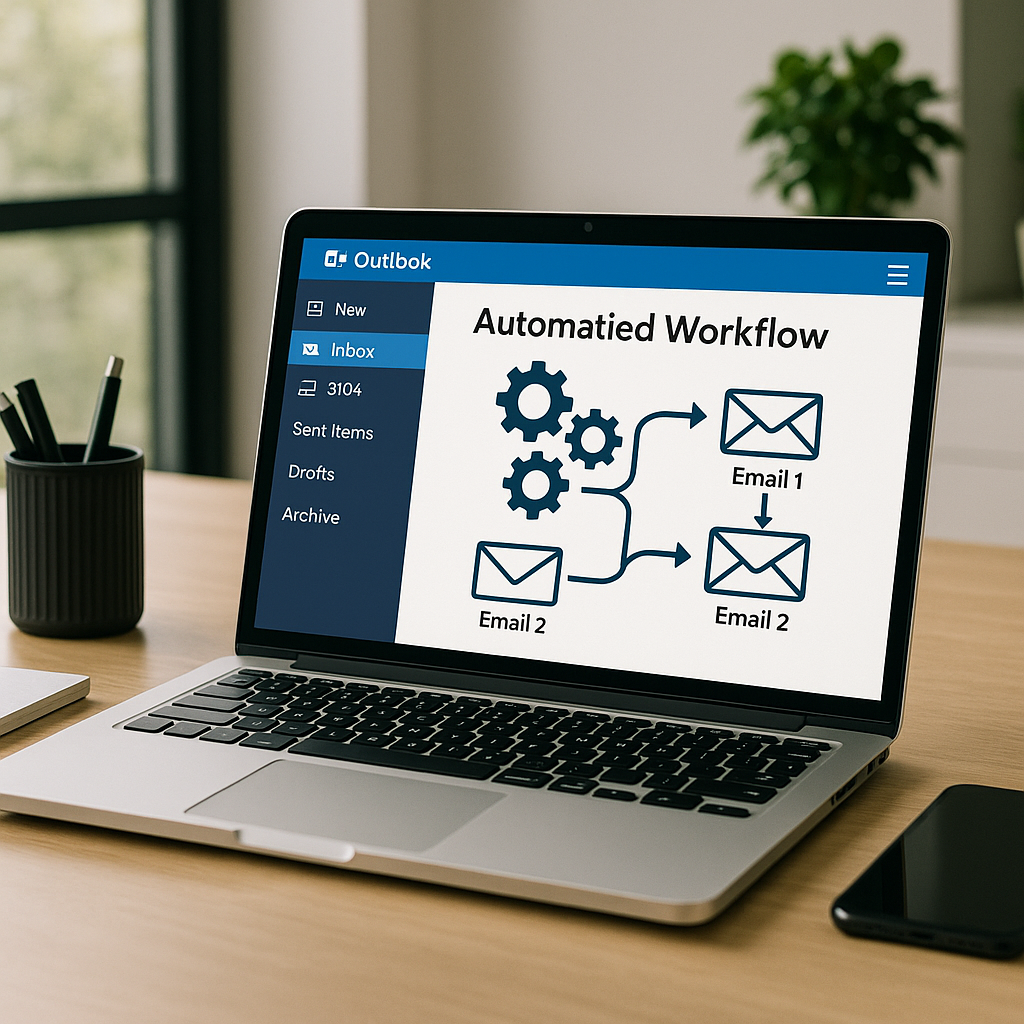
Getting started with Outlook automation involves a few strategic steps. First, identify the key points in your client journey that benefit from automation—such as welcome sequences, appointment reminders, and sales follow-ups. Next, leverage Outlook's built-in rules and integrations (like Power Automate or third-party connectors) to trigger emails based on client actions or specific dates.
Map out your sequence structure in advance, ensuring each email delivers value and moves clients closer to a decision. Test each automation before launch to guarantee deliverability and correct timing. For service providers handling sensitive client data, ensure compliance with privacy regulations and best practices for secure communications.
Best Practices for Personalizing Business Email Automations
Personalization is the key to making automated emails feel authentic and relevant. Start by segmenting your list based on client behavior, interests, or stage in the buyer’s journey. Use dynamic fields—such as first names, company names, or specific service interests—to tailor messages within your automations.
Go beyond basic personalization by referencing recent interactions, offering targeted resources, or providing next steps that feel individualized. Maintain your brand voice across all automated communications to ensure clients feel a consistent, sophisticated touch, regardless of where they are in your funnel.
Common Pitfalls to Avoid When Automating Outlook Emails
While automation unlocks significant efficiencies, common mistakes can undermine results. Avoid generic, template-like sequences that lack genuine value—clients can quickly detect impersonal messaging. Over-automation is another risk; sending too many emails can lead to fatigue and unsubscribes.
Neglecting to test automations before launch can result in broken links, incorrect personalization, or mistimed sends. Always ensure your emails align with privacy regulations and avoid including sensitive information in automated messages without appropriate safeguards.
Leveraging Automation to Improve Client Relationships and Business Results
Strategic automation allows service providers to maintain high-touch relationships at scale. By delivering the right message at the right time, you foster trust and demonstrate professionalism—key drivers of client loyalty and retention. Automated sequences for onboarding, nurturing, and re-engagement help convert prospects into buyers and maximize the lifetime value of every subscriber.
Moreover, automation provides measurable insights through built-in tracking for opens, clicks, and conversions. This data empowers business owners to refine their approach, optimize sequences, and scale what’s working—leading to stronger client relationships and improved business outcomes.